
Image processing has had a resurgence with releases like Nano Banana and Qwen Image, stretching the boundary of what was previously possible. We’ve come a long way from having the wrong number of fingers and typos in text. These models can produce life-like images and illustrations that mimic the work of a designer. Meta’s latest release, SAM3, is here to make its own contribution to this ecosystem. With a unified approach to detection, segmentation, and tracking, it brings structure and understanding to visual content instead of only generating it.
This article will break down what SAM3 is, why it is making waves in the industry, and how you can get your hands on it.
Table of contents
What is SAM3?
SAM3 or Segment Anything Model 3 is a next-generation computer vision model for segmentation and tracking in images and videos, which takes text or prompts (like an image example) rather than just fixed class labels. This is object detection and extraction that is rooted on AI powered detection. Whereas existing models can segment general concepts like Human, Table etc. SAM3 can segment more nuanced concepts like “The guy with the pineapple shirt”.
SAM3 overcomes the aforementioned limitations using the promptable concept segmentation capability. It can find and isolate anything you ask for in an image or video, whether you describe it with a short phrase or show an example, without relying on a fixed list of object types.
How to Access SAM3?
Here are some of the ways in which you can get access to the SAM3 model:
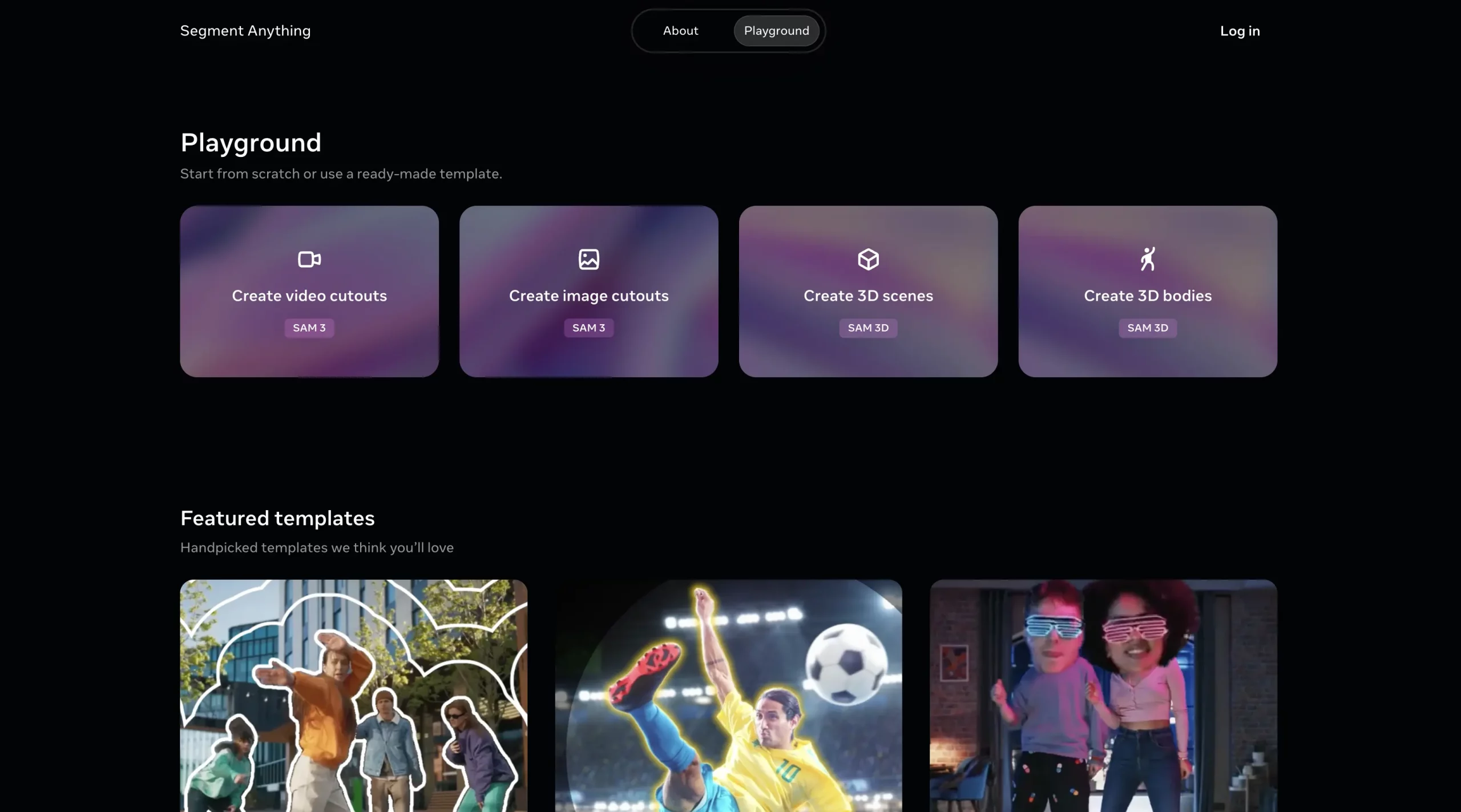
Web-based playground/demo: There’s a web interface “Segment Anything Playground”, where you can upload an image or video, provide a text prompt (or exemplar), and experiment with SAM 3’s segmentation and tracking functionality.
Model weights + code on GitHub: The official repository by Meta Research (facebookresearch/sam3) includes code for inference and fine-tuning, plus links to download trained model checkpoints.
Hugging Face model hub: The model is available on Hugging Face (facebook/sam3) with description, how to load the model, example usage for images/videos.
You can find other ways of accessing the model from the official release page of SAM3.
Practical Implementation of SAM3
Let’s get our hands dirty. To see how well SAM3 performs I’d be putting it to test across the the two tasks:
- Image Segmentation
- Video Segmentation
Image Segmentation
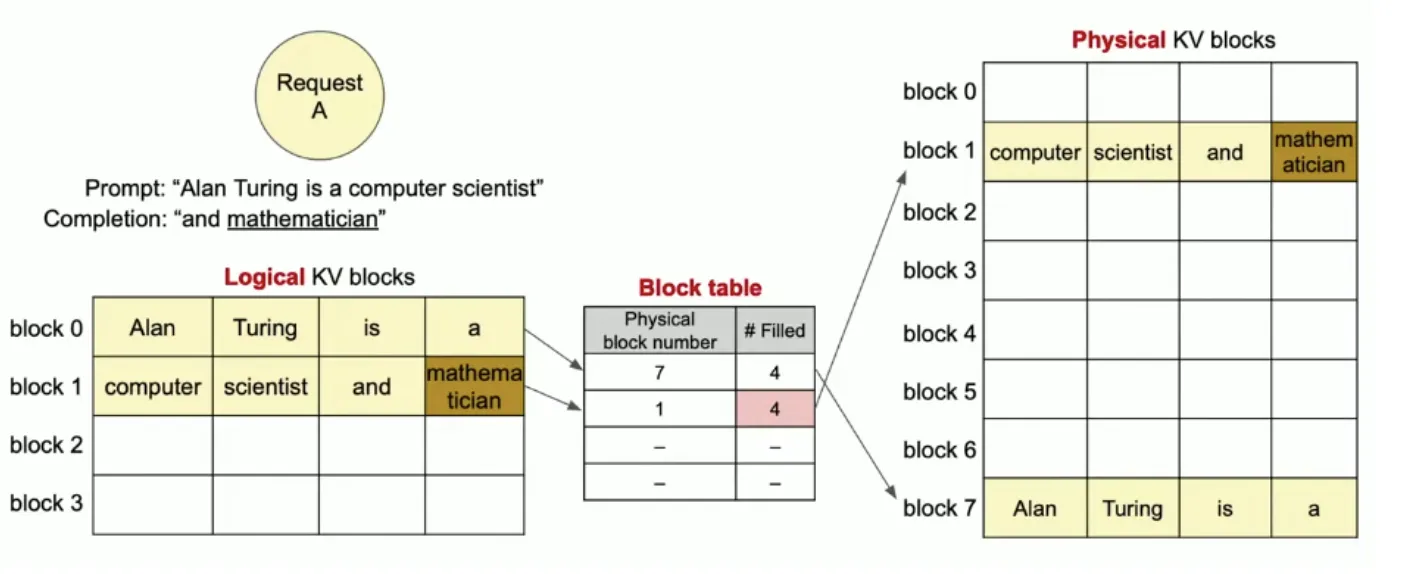
While most people would try and figure out different kinds of objects within the image, I thought it’d be better if I tried using it on a more practical workload. So for this task, I’d be presenting it with an image consisting of a bunch of tables, to see how well it recognizes and demarcates them. This is one of the most used task for image processors.
Input Image:
Response:
I received the following response after entering tables in the Review Objects box.
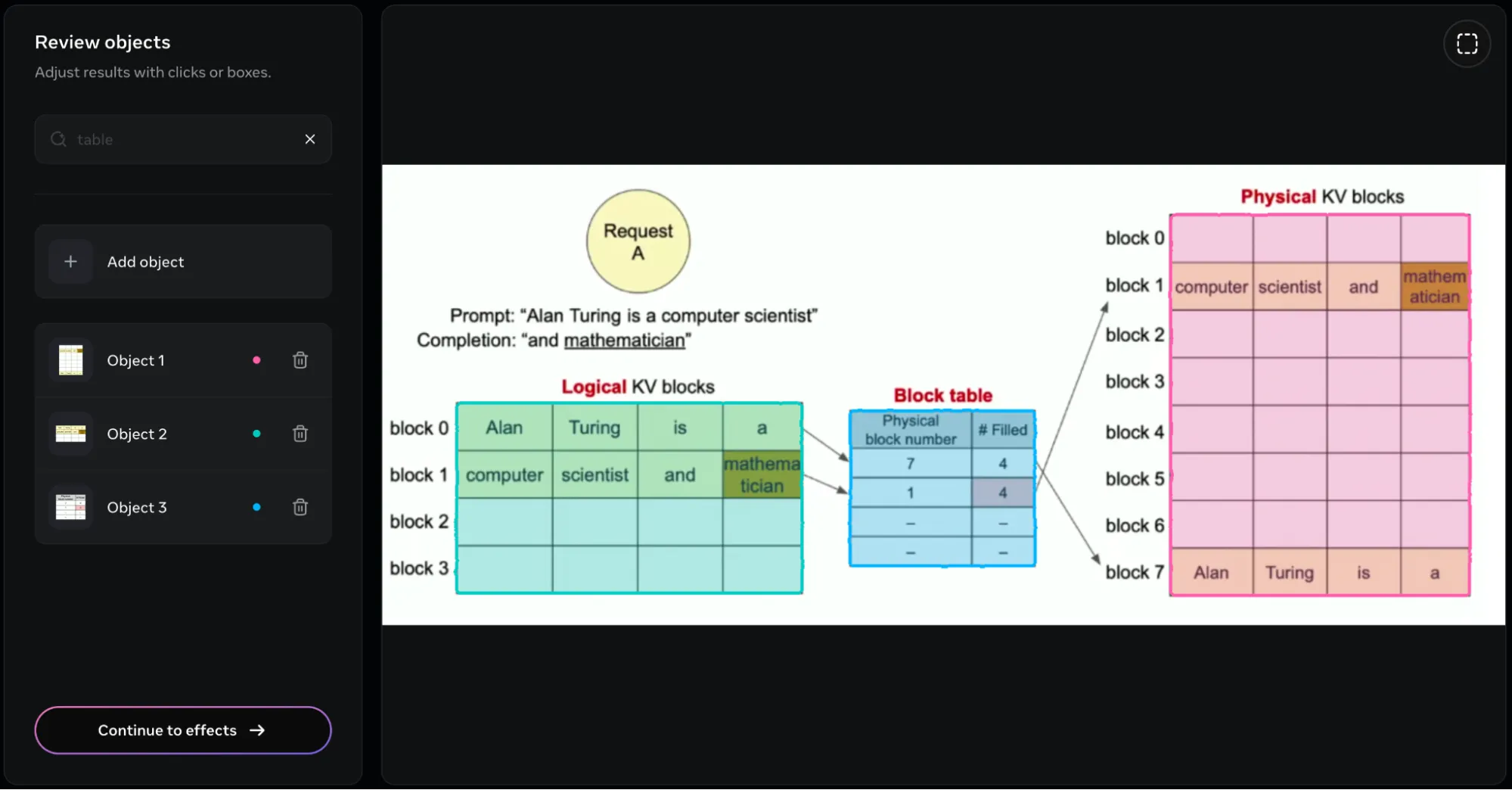
The model was able to create a bounding box around all the tables present in the image. It presents the 3 tables in the form of 3 objects, which we can name and alter separately. But this isn’t it. We can additionally add different effects on the objects that have been recognized in the image. In the following image, I had added the blur effect:
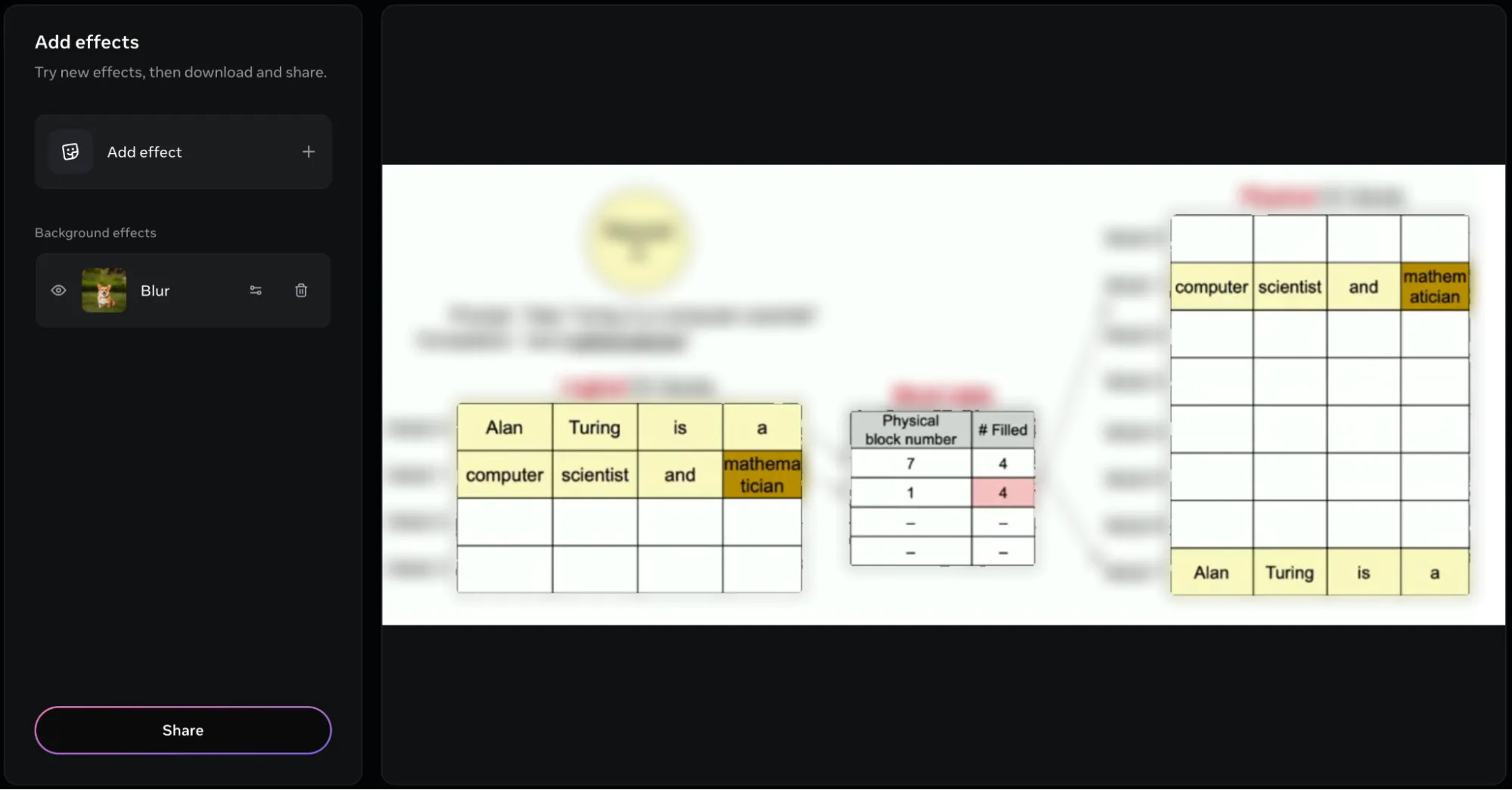
You can also modify the intensity of these effects, using the effect settings right next to the effect name.
Video Segmentation
For video segmentation, I’d be testing how well the model tracks humans across the soccer field, where the camera angles the zoom changes accordingly. For demonstration, I’d be using this clip of Lionel Messi’s goal:
Response:
I received the following response after I provided the object as Player:
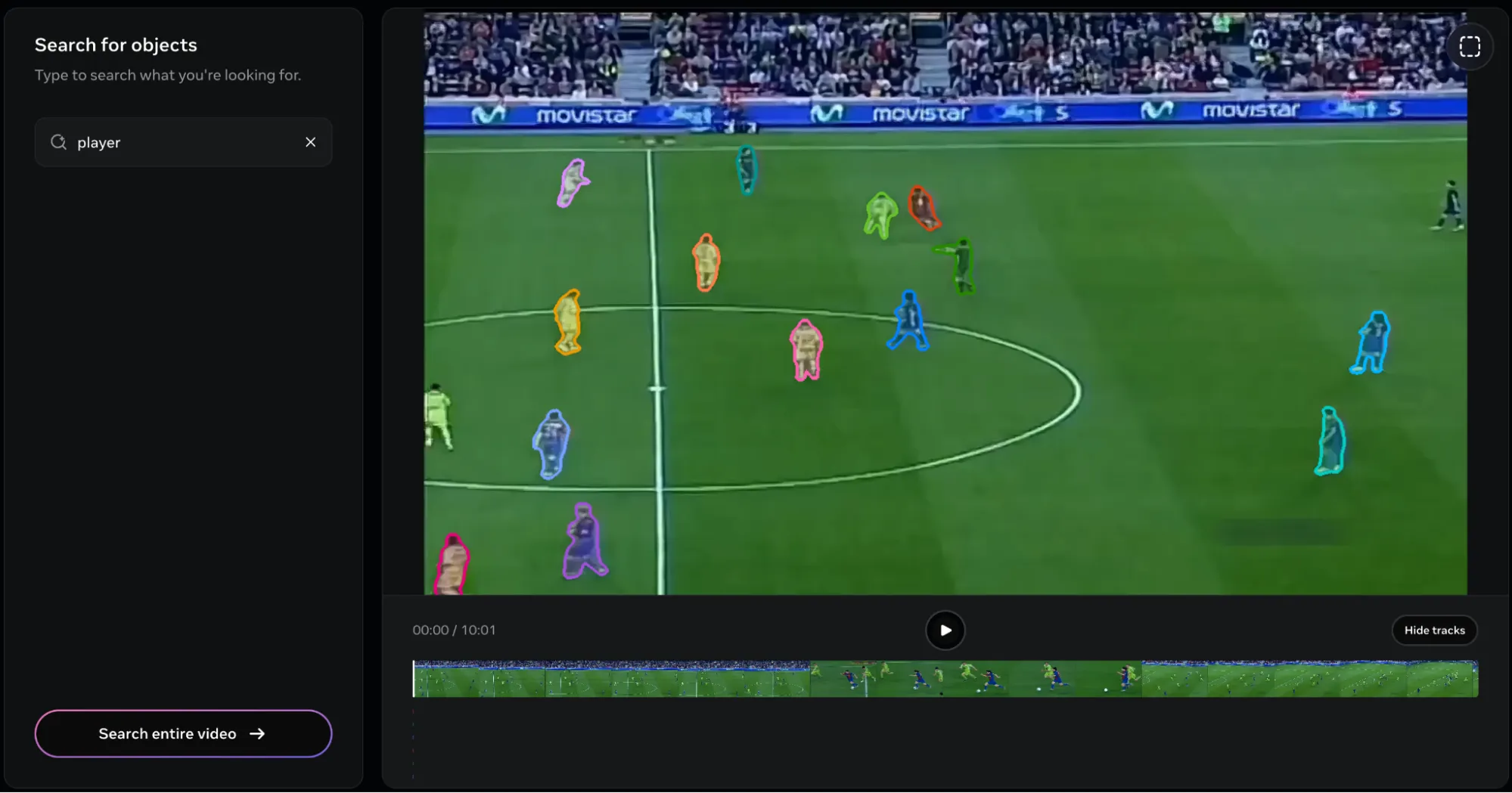
Considering the broad object description, it’s understandable that the model marked all the players on the clip. But here’s the problem. There is no way of singling out a single player!
I tried using descriptive descriptions like “Dribbler”, “Forward”, “Winger” and many more, but the only one that provided satisfactory results was Player. And once the players have been selected, there is no way of removing them from the list. This is peculiar, as in the image segmentation task, I used the ROI tool (at the top right of the tool) for marking the player of interest. But in the case of videos, it is bugged.
Another thing I noticed was that the video was 45 seconds long, but in the video player, it was only 10 seconds.
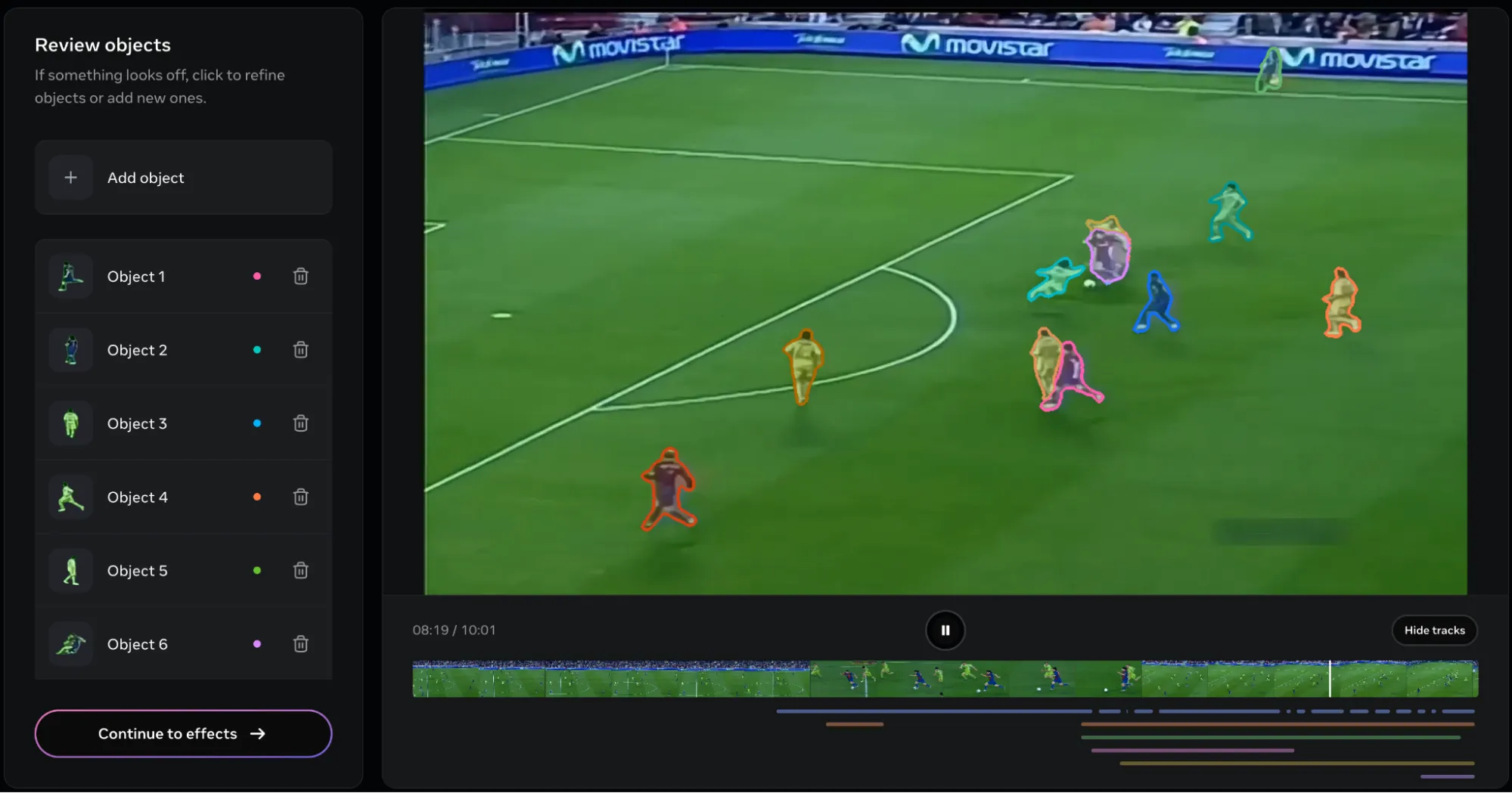
This is the result. As you can see, all the players ended up being tracked. Here’s another problem. It’s way too difficult to remove the objects. Even when a single object is removed, the entire video would be re-rendered, making it a time consuming affair, especially if several objects (24 in this clip) are to be removed.
In case you were interested, here’s the final clip:
Verdict
The model is capable for sure. The ability to not only suggest objects within the image, but also figuring them out based on inputs is a big feature for sure. The model processes both images and videos in a short time, which is a big plus. The image segmentation impressed me way more than the video segmentation mode. But if you were really desperate, you could probably work with the limitations present in the video segmentation.
Here are a few things I would advise doing while using SAM3:
- Use the ROI marker whenever possible, to highlight the object of your choice.
- If videos are longer than 10 seconds, then split them into multiple parts of 10 seconds.
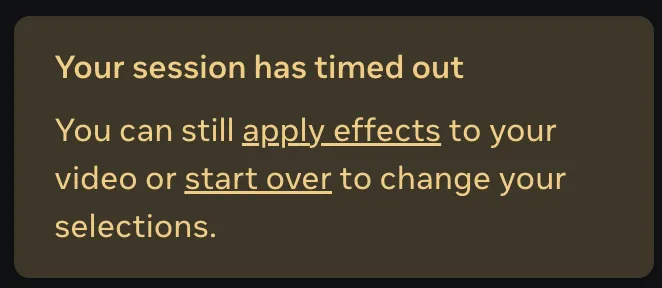
- Upon uploading the media, try and complete the task within 5 minutes otherwise you might encounter a server error:
Conclusion
SAM3 takes the cake when it comes to providing ease of access to cutting edge image processing tools and filters. What it offers in images is groundbreaking, whereas its video segmentation capabilities have high potential. SAM3 paired with SAM3D makes it the goto tool for any image enthusiast who is looking to AI-power their workloads. The models are currently being improved, and their features would further with time.
Frequently Asked Questions
Q1. What makes SAM3 different from other segmentation models?
A. SAM3 can segment objects based on short text prompts or example images, not just predefined labels. It understands more specific concepts like “the guy with the pineapple shirt” and works on both images and videos.
Q2. How can I use SAM3?
A. You can try it through the web-based Segment Anything Playground, download the weights and code from GitHub, or load it from the Hugging Face model hub.
Q3. Where does SAM3 struggle?
A. Video segmentation still has some limitations. It can be hard to isolate a single object from a broad class, removing objects forces a re-render, and clips longer than 10 seconds may need splitting.
Studying, evaluating, and explaining AI systems for over 6 years.
“𝘖𝘯𝘤𝘦 𝘮𝘦𝘯 𝘵𝘶𝘳𝘯𝘦𝘥 𝘵𝘩𝘦𝘪𝘳 𝘵𝘩𝘪𝘯𝘬𝘪𝘯𝘨 𝘰𝘷𝘦𝘳 𝘵𝘰 𝘮𝘢𝘤𝘩𝘪𝘯𝘦𝘴 𝘪𝘯 𝘵𝘩𝘦 𝘩𝘰𝘱𝘦 𝘵𝘩𝘢𝘵 𝘵𝘩𝘪𝘴 𝘸𝘰𝘶𝘭𝘥 𝘴𝘦𝘵 𝘵𝘩𝘦𝘮 𝘧𝘳𝘦𝘦. 𝘉𝘶𝘵 𝘵𝘩𝘢𝘵 𝘰𝘯𝘭𝘺 𝘱𝘦𝘳𝘮𝘪𝘵𝘵𝘦𝘥 𝘰𝘵𝘩𝘦𝘳 𝘮𝘦𝘯 𝘸𝘪𝘵𝘩 𝘮𝘢𝘤𝘩𝘪𝘯𝘦𝘴 𝘵𝘰 𝘦𝘯𝘴𝘭𝘢𝘷𝘦 𝘵𝘩𝘦𝘮.” — 𝖥𝗋𝖺𝗇𝗄 𝖧𝖾𝗋𝖻𝖾𝗋𝗍, 𝖣𝗎𝗇𝖾







